Share the care
Premium
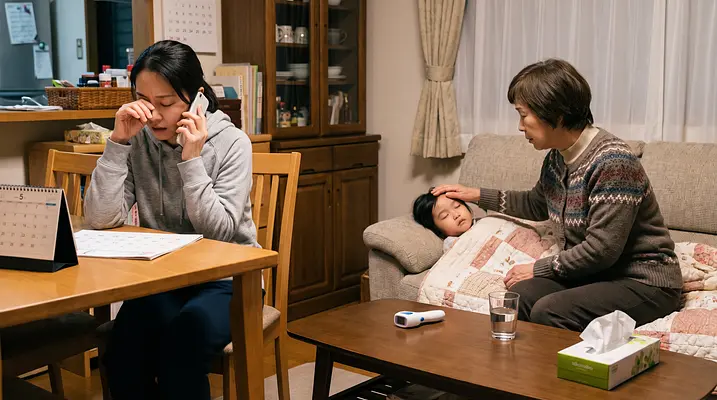
Hand over sick duty
Invite a partner, grandparent or sitter. Every dose, temperature and symptom is in one shared log, in real time.
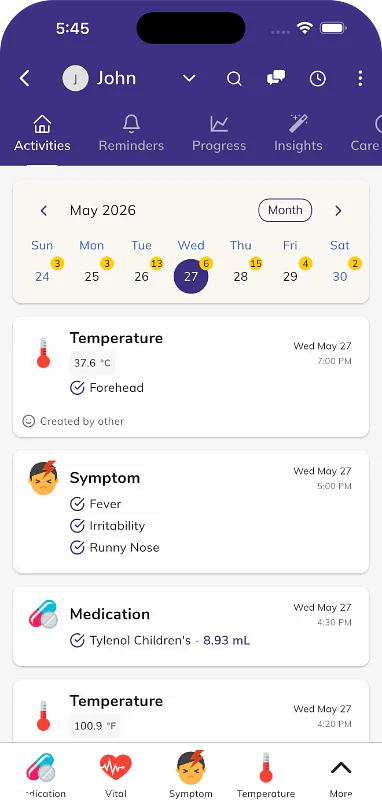
Log medicines, temperatures and symptoms in one place, see when the next dose is due, and hand over sick duty without the guesswork. Free to start.


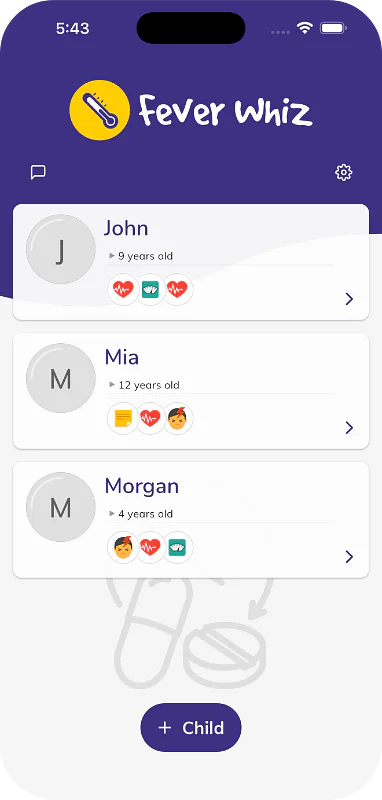
Invite a partner, grandparent or sitter. Every dose, temperature and symptom is in one shared log, in real time.
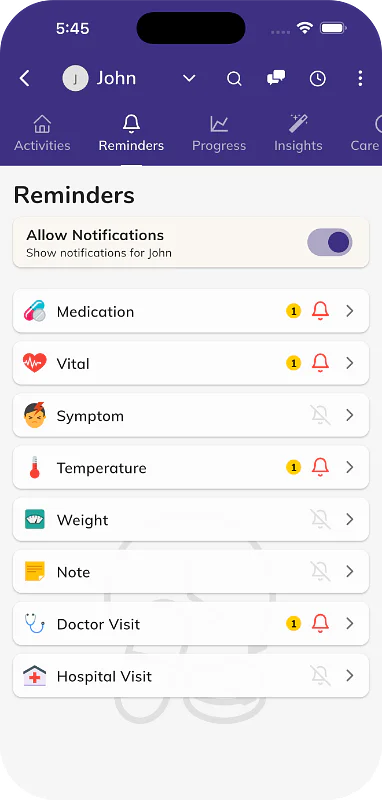
A reminder for each medicine, and the time of the last dose for everyone to see.
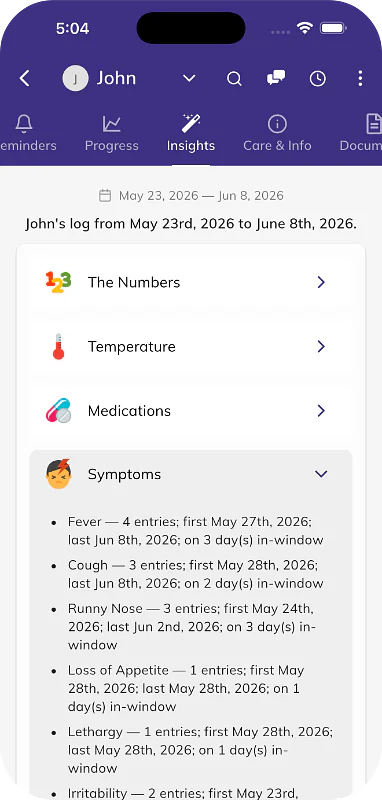
Fevers, doses and symptoms grouped by episode.
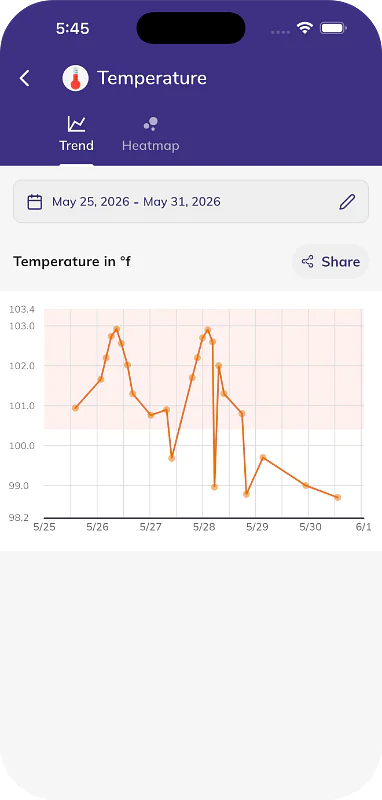
Charts of temperatures and doses through the day.
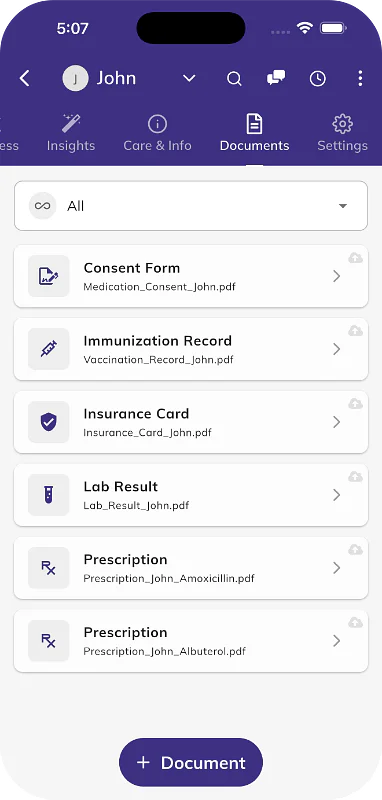
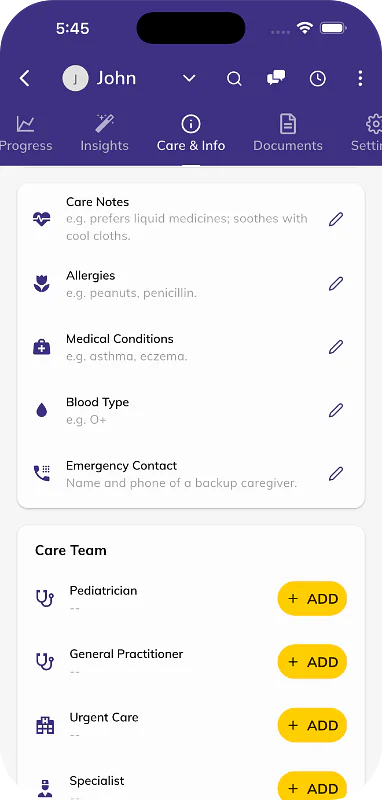
Prescriptions, test results and notes from the doctor.
Apple Watch, with or without your phone.
Ask Tibbs a question, or log something in one sentence. Answers come from the family's shared log.
 Jack's log
Jack, 7, home sick today
Jack's log
Jack, 7, home sick today
Everyone in the family sees each entry as it is logged.
 Tibbs
Fever Whiz assistant
Tibbs
Fever Whiz assistant
A sample family. Tibbs answers from their log only. Questions you type are kept for 90 days to improve the demo.
From the Fever Whiz help center.
Open the gear menu, tap My Account, then My Team and Add Member. Choose Via QR Code or tap Share to send a link and invite code by SMS, email or WhatsApp. Read the article
Open the app's menu or Settings and tap Sign In, then choose Sign in with Apple, Sign in with Google, or your email. Email sign-in sends a 6-digit code to check. Read the article
Your data loads after you sign in, so wait a minute. If it's still missing, check you're using the email you first signed in with, then re-sync under My Account. Read the article
Open your child, tap Temperature in the bottom bar of the Activities tab (or More if you don't see it), choose °C or °F, enter the reading, then tap Save. Read the article
Open your child, tap Medication on the Activities tab, choose a medication, check the dose, date and time, then tap Save. You don't need an account to log doses. Read the article
Open your child, tap the Reminders tab, then Medication and Reminder. Under Frequency, tap Smart, set the hours and minutes, and tap Save. Read the article
Fever Whiz
Children's Acetaminophen (Tylenol) Dosage Calculator by Weight
Find the right children's acetaminophen (Tylenol) or paracetamol dose for your child's weight — in mL, teaspoons, or...
Try it
Fever Whiz
Sick-Day Kit & Medicine Cabinet Checklist for Kids
Build a free printable sick-day kit checklist for your child's age - thermometer, fever medicines, hydration,...
Try it
Fever Whiz
Daycare & School Medication Consent Form Builder
Create a free printable medication authorization form for daycare, school, or camp in under a minute. Fill in your...
Try it
On iPhone, iPad, Android and Apple Watch.